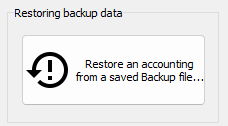
Restore database from backup
Hopefully you already know the importance of creating backup copies of your accounting and keeping those copies in safe places (preferably online). So when the day arise when your accounting refuses to open due to a computer failure, or your computer has been stolen, it is nice to be able to restore your last backup to another computer and continue working without loosing any of your data.
NOTE: Remember that your (financial) partners may use a copy of your license to install NXAccounts to their computer(s). Then you may attach your backups to email messages, which allow them to create any desired report of your accounting!
Return to parent Accounts Settings